Webvisu
Build your own
PLC dashboard
The web HMI you build and change yourself. Live on the touch panel, in the office and on your phone — and serviced remotely, without a site visit.
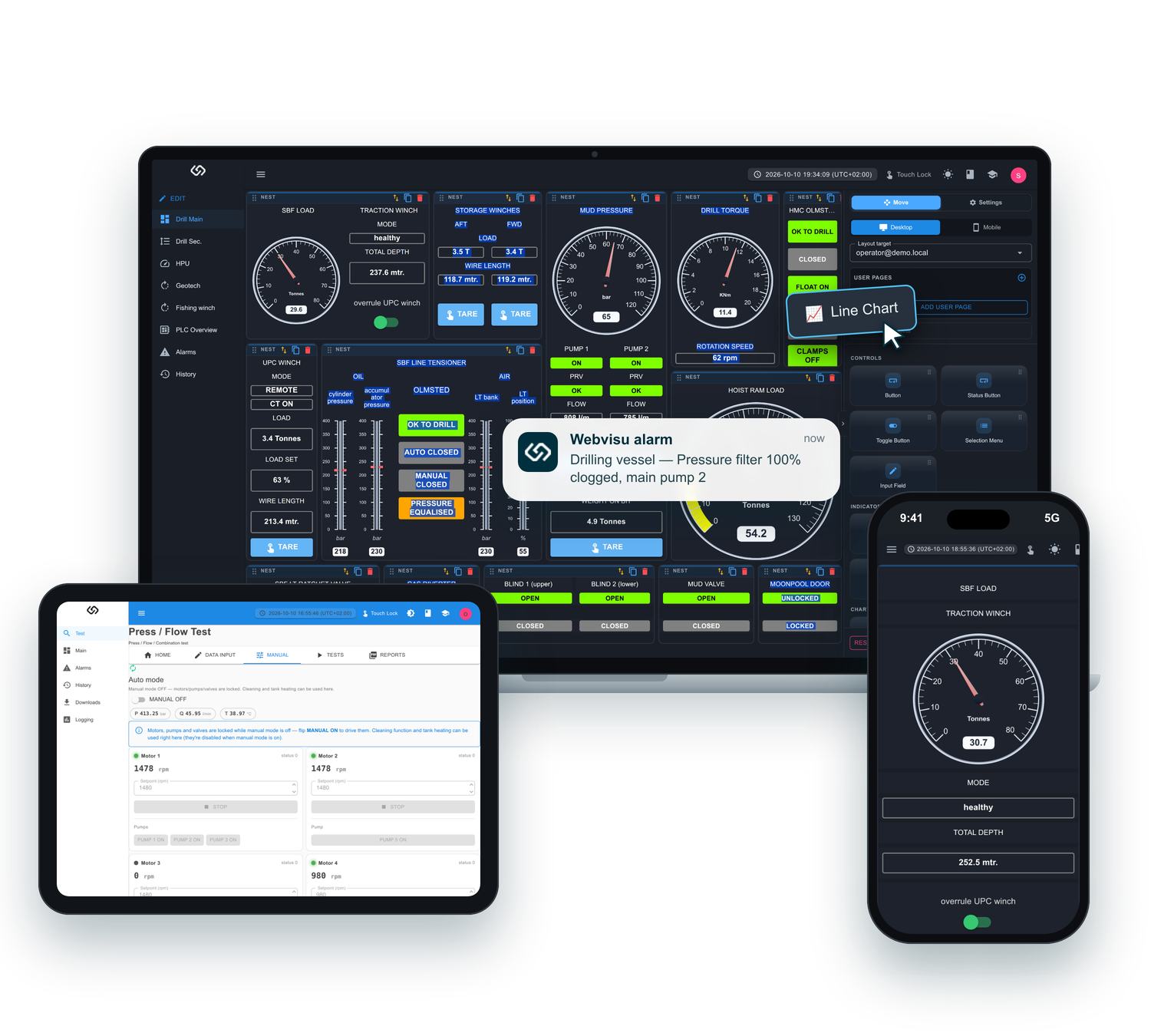
The web HMI you build and change yourself. Live on the touch panel, in the office and on your phone — and serviced remotely, without a site visit.
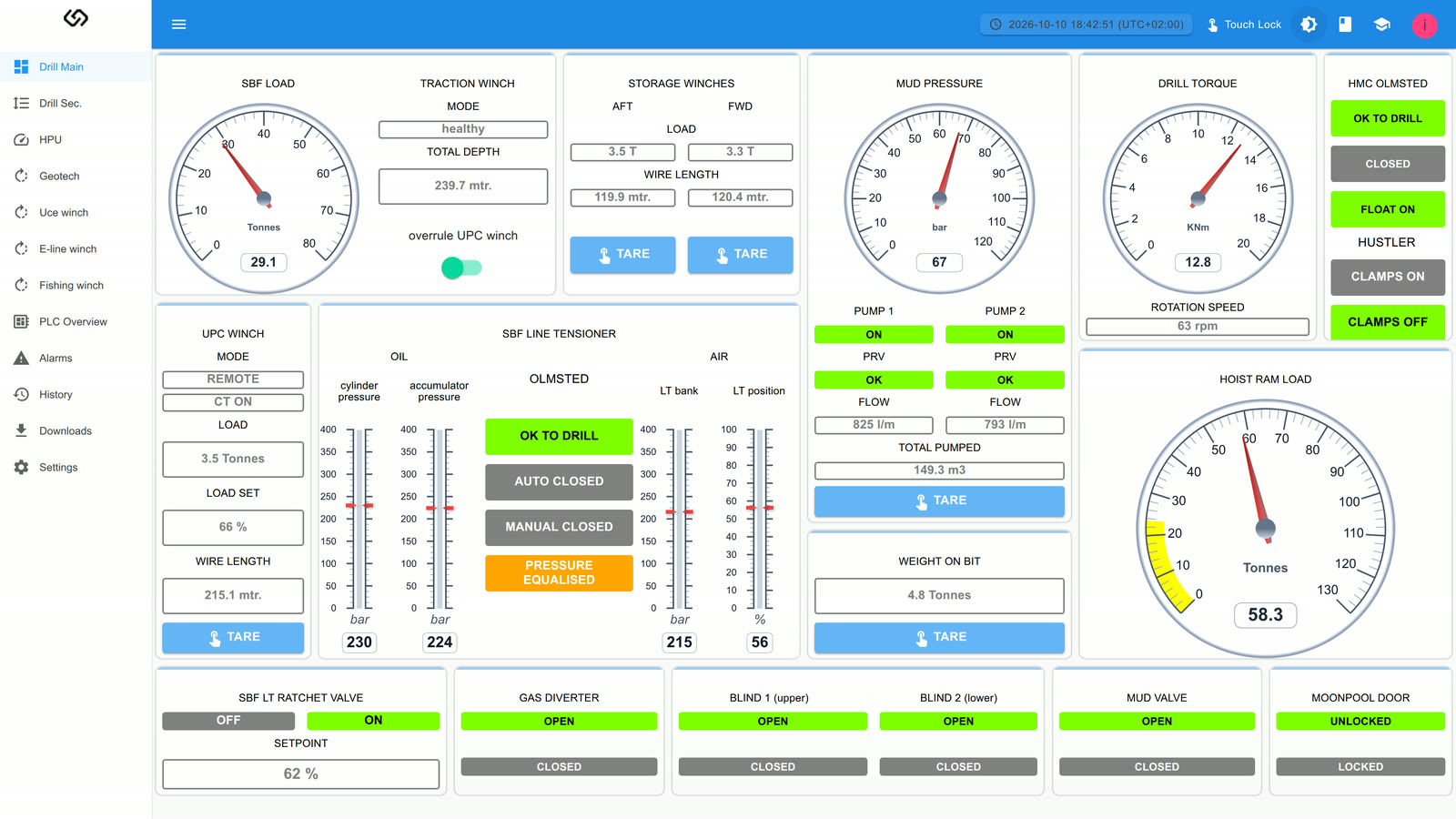
The widgets below are drawn exactly as in Webvisu itself — same gauges, same colours. Start a pump, raise an alarm and acknowledge it on the Alarms page, then see it in the History and the Log Book.
 --:--:--☝ Touch Lock☀S
| ID | Time | Description | State | Acknowledge |
|---|
| ID | Time | Description | State |
|---|
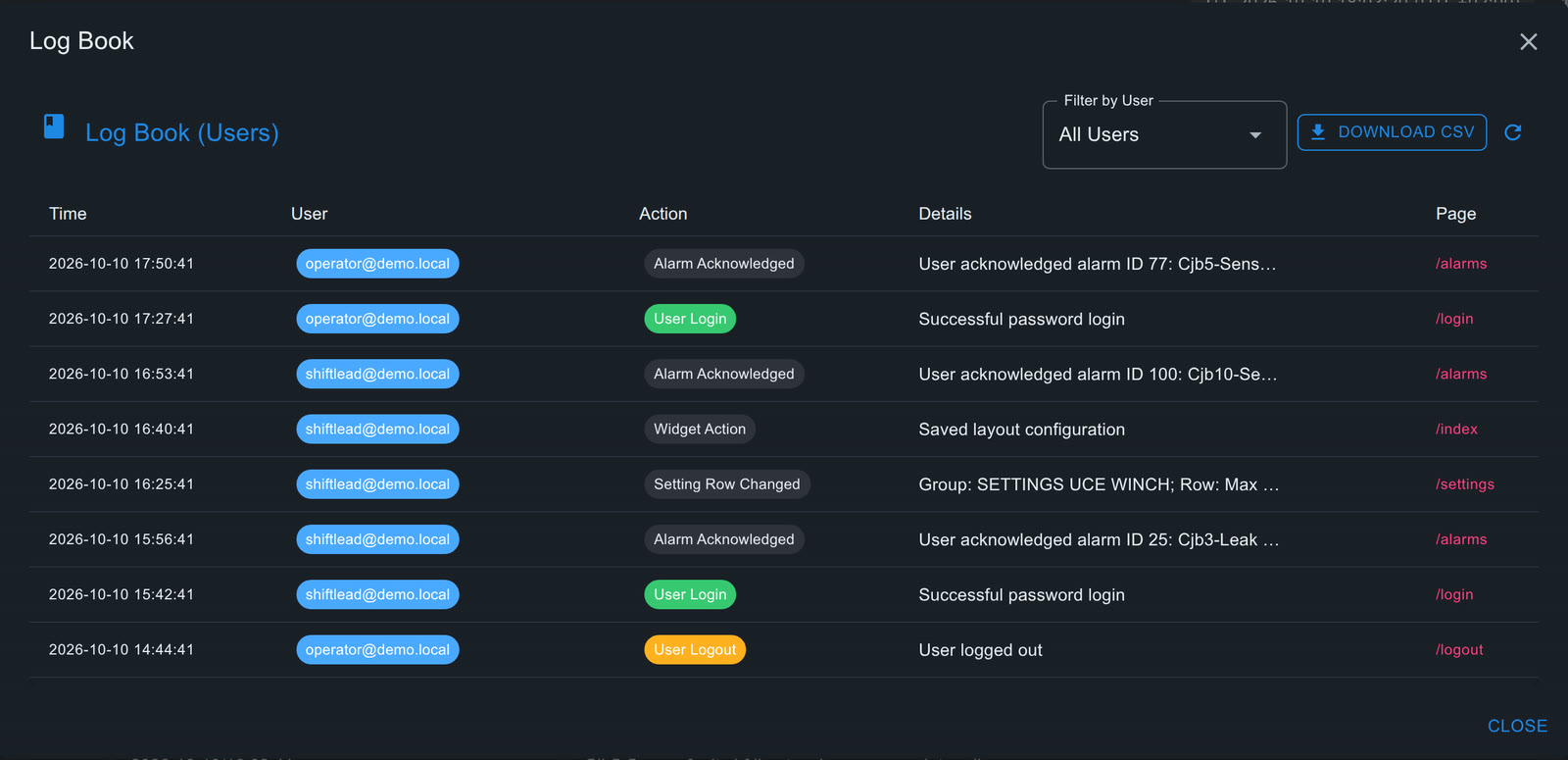
| Time | User | Action | Details | Page |
|---|
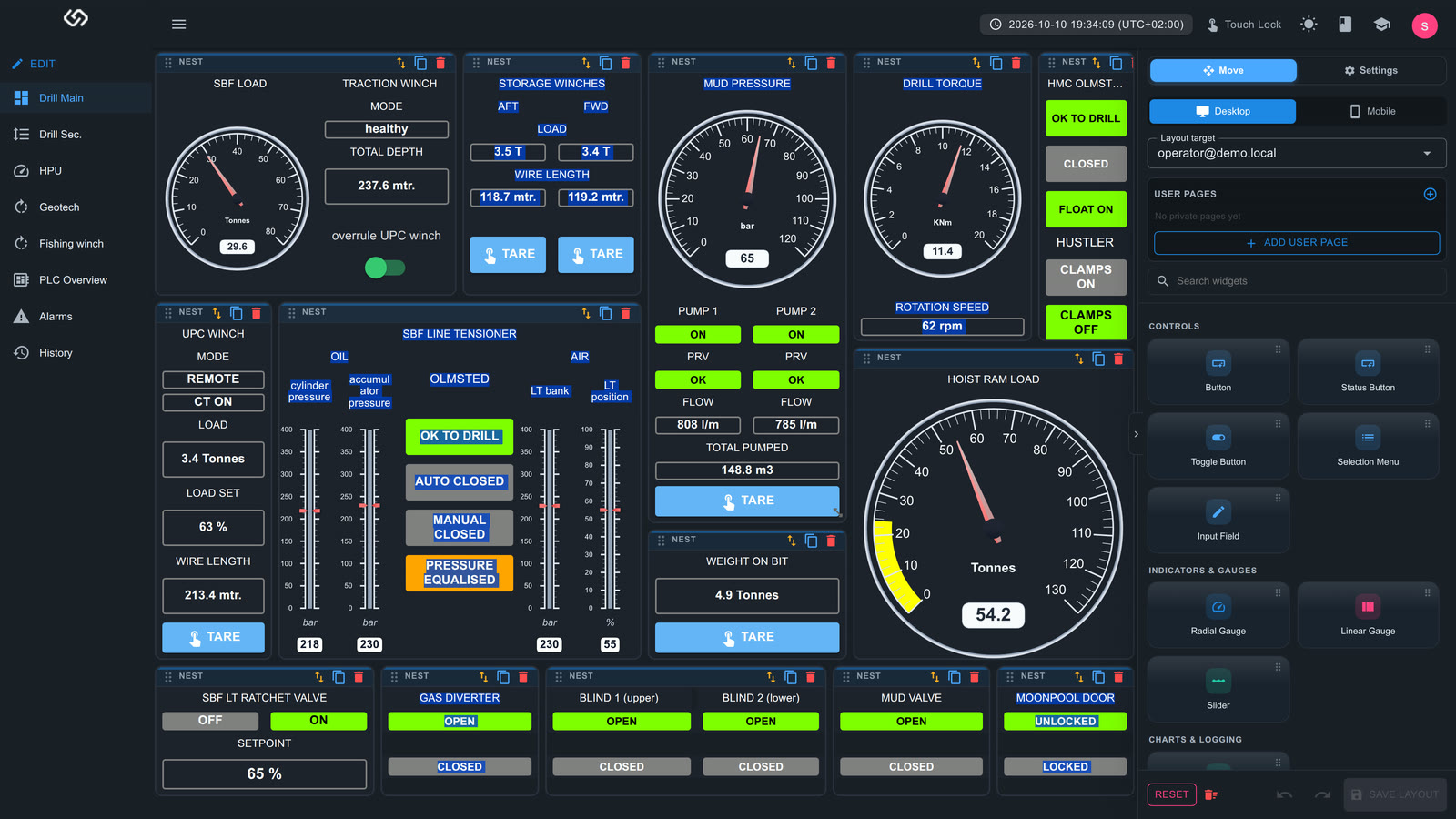
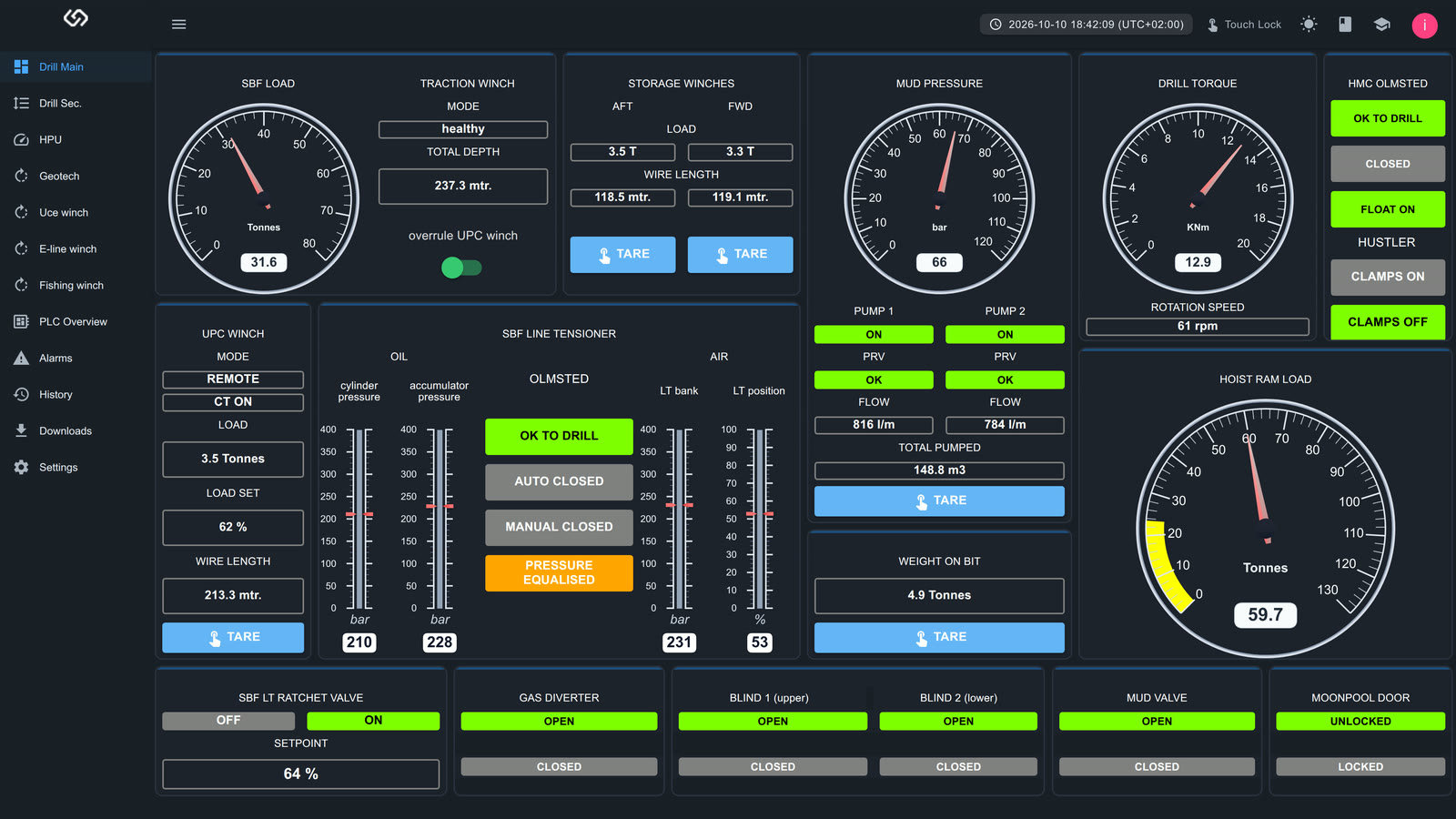
Drag widgets onto a page, link them to any PLC tag and save — live on every screen. Every widget has its own text size, colour and font. No programming, no software to install.
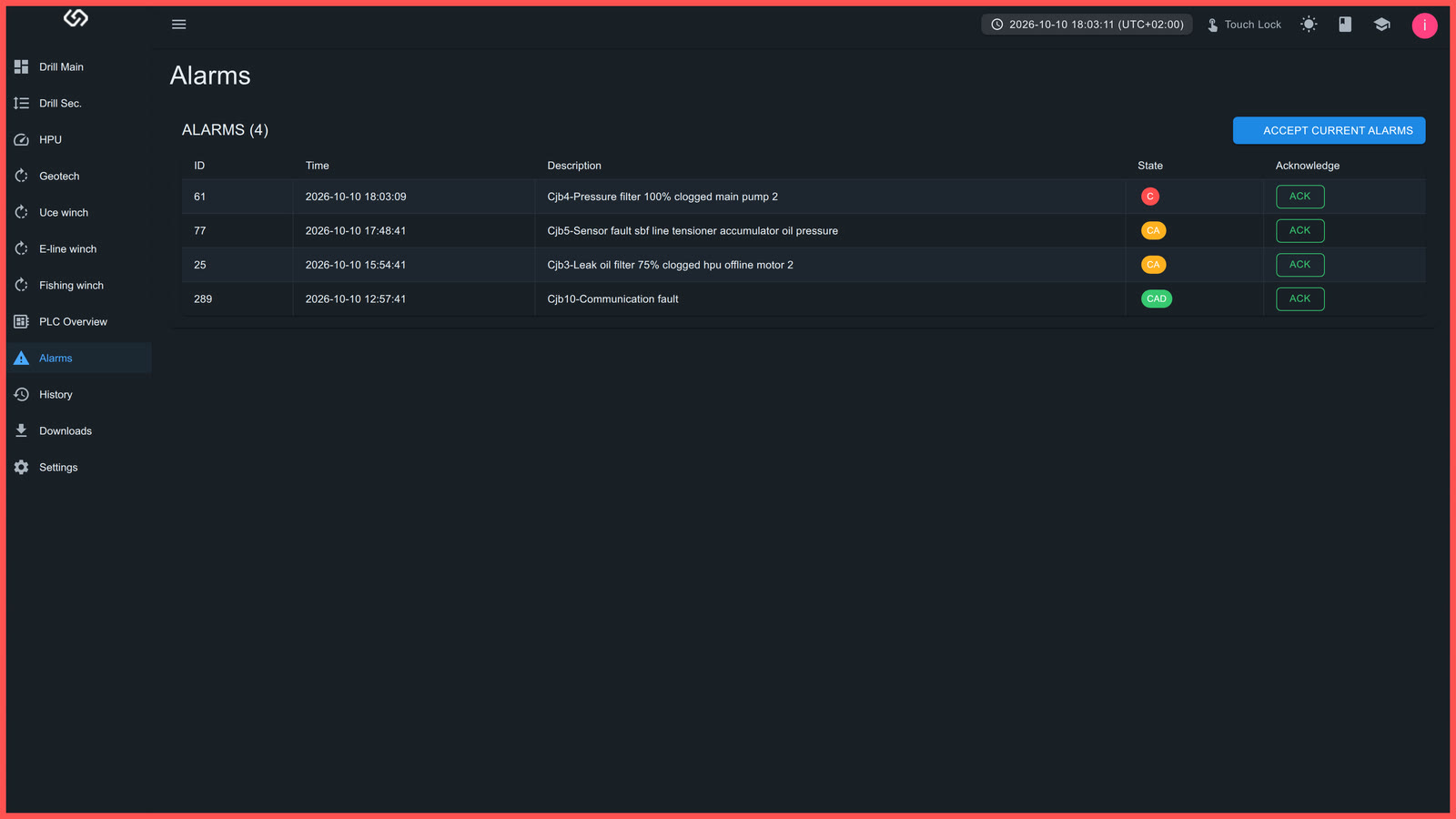
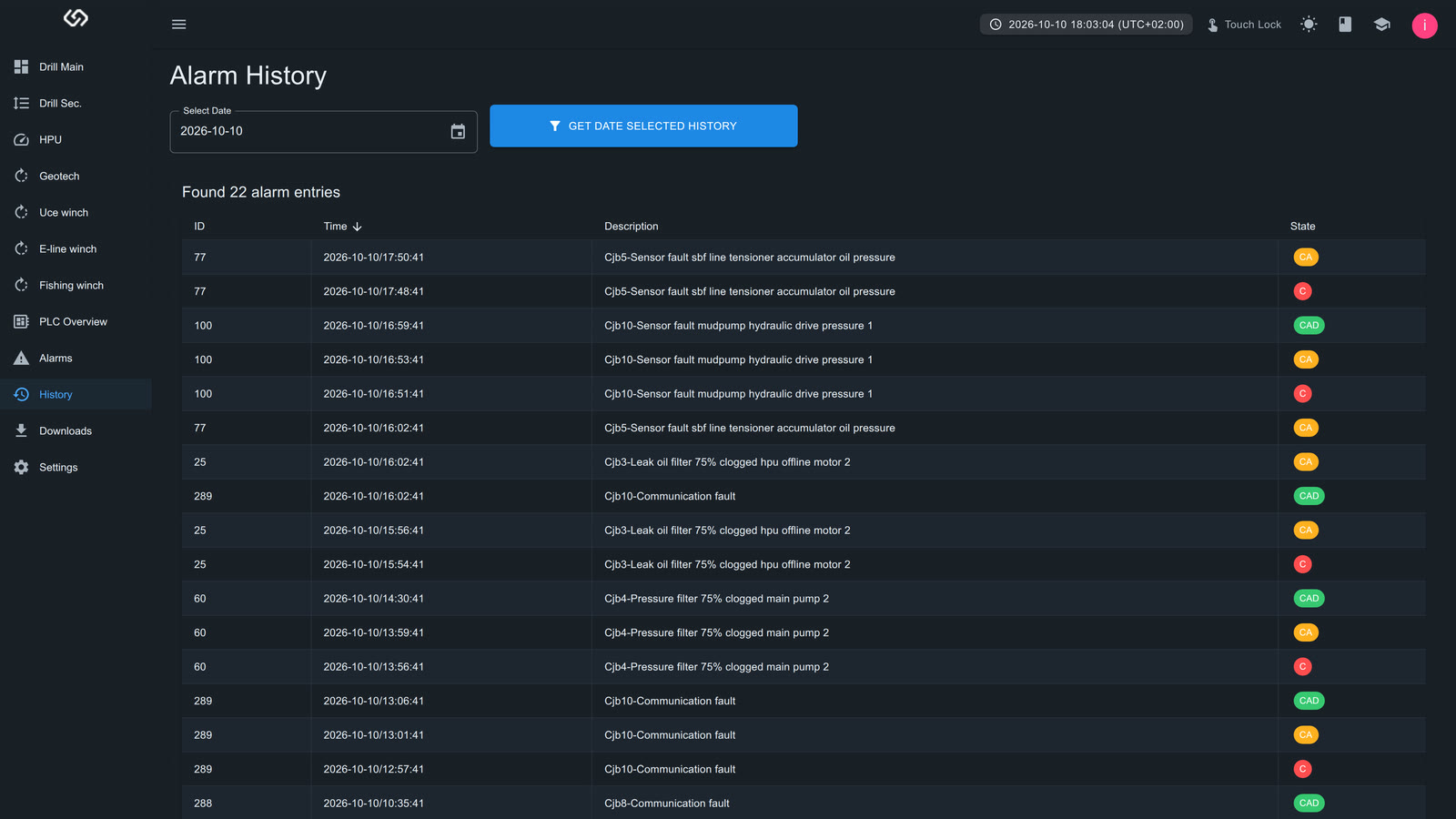
A new alarm turns the frame of every screen red. On the Alarms page you acknowledge it with one click — or all current alarms at once. The History page keeps every alarm per day: when it came, was acknowledged and went. Alarm events can also be sent on as SMS or e-mail.
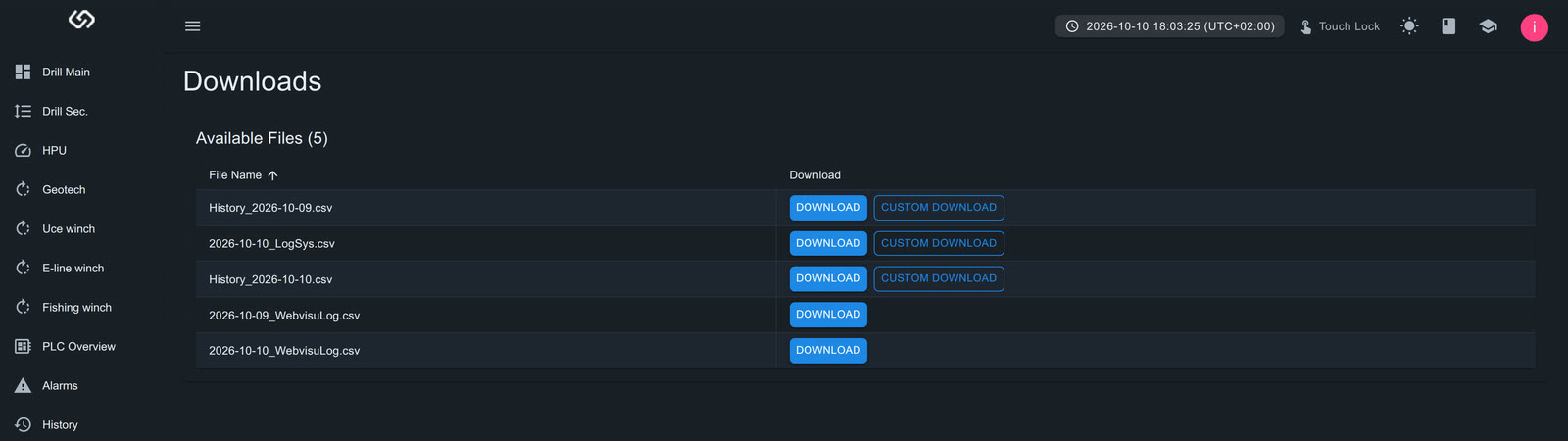
The log book in the top bar shows who logged in, changed a setting, saved a page or acknowledged an alarm — on site or remote. PLC data logs, alarm history and the log book download as CSV from the Downloads page.
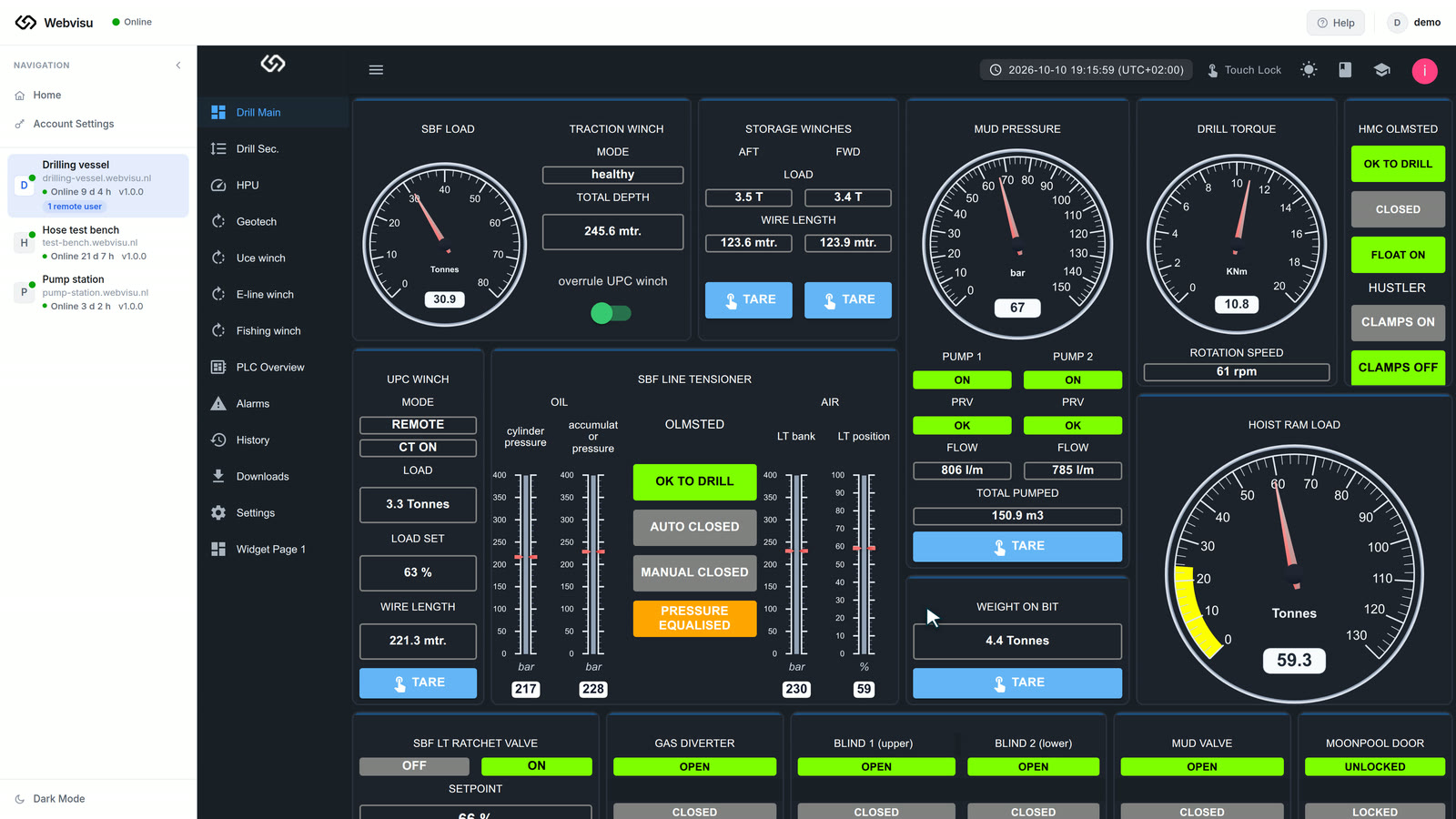
All installations in one portal. Connect and the HMI opens in your browser — pages and settings are changed from a distance, no site visit needed. Remote login is secured with two-factor authentication (authenticator app or passkey).
Give every operator their own layout and private pages. Roles decide who may see and change what.
Read and write PLC settings with defaults and see what differs from the PLC — plus a built-in Tutorial Center that explains every page.
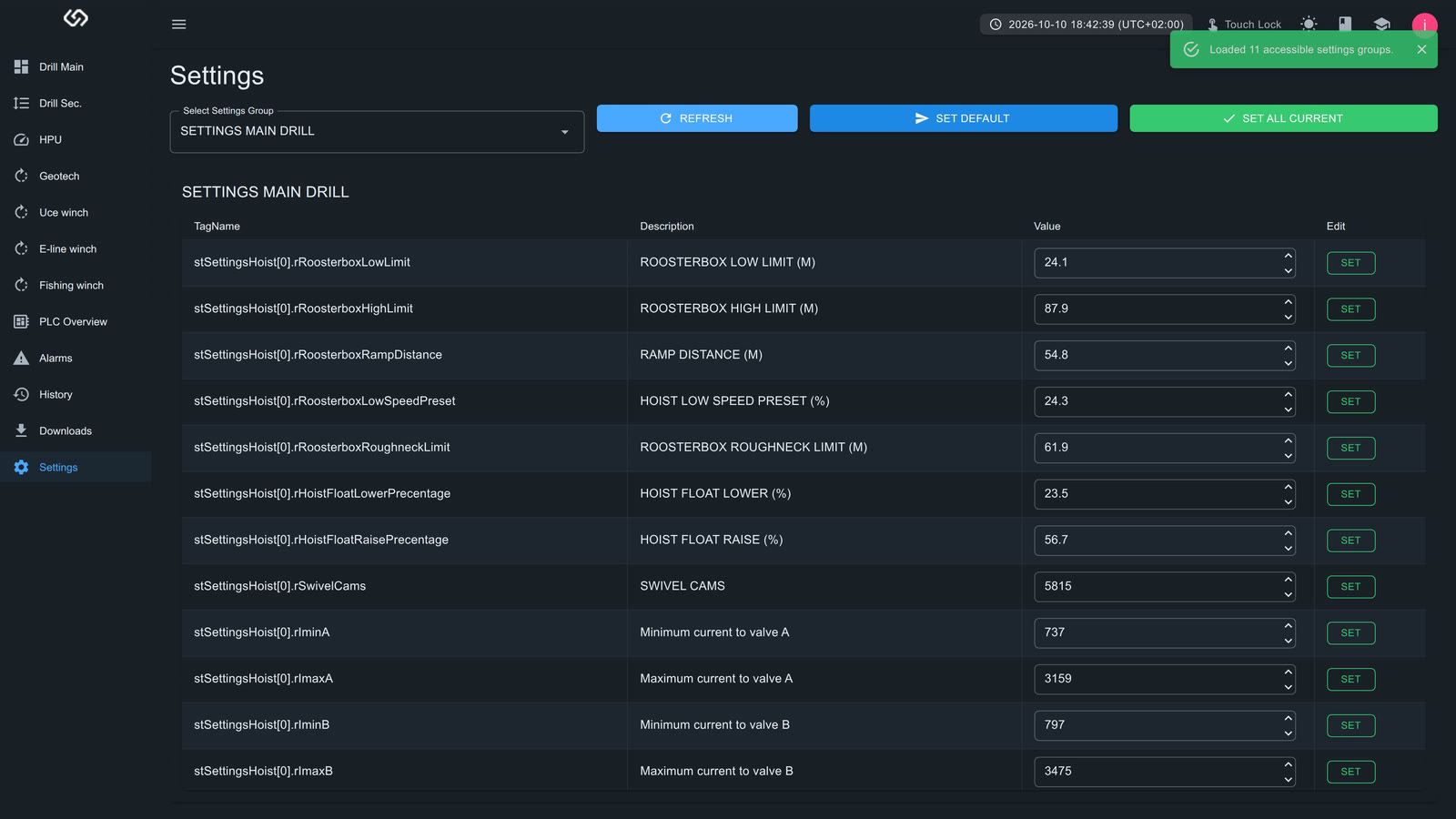
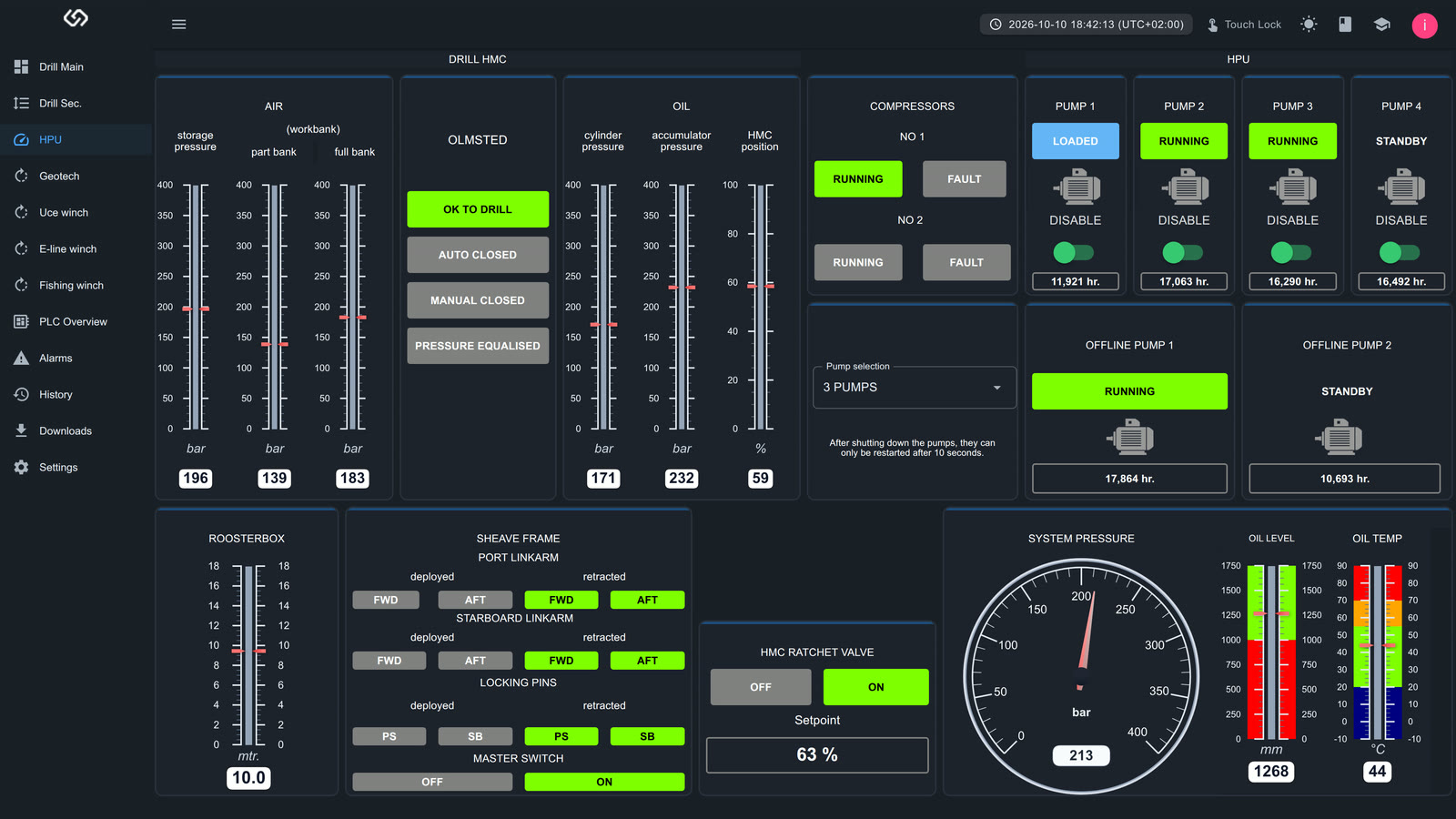
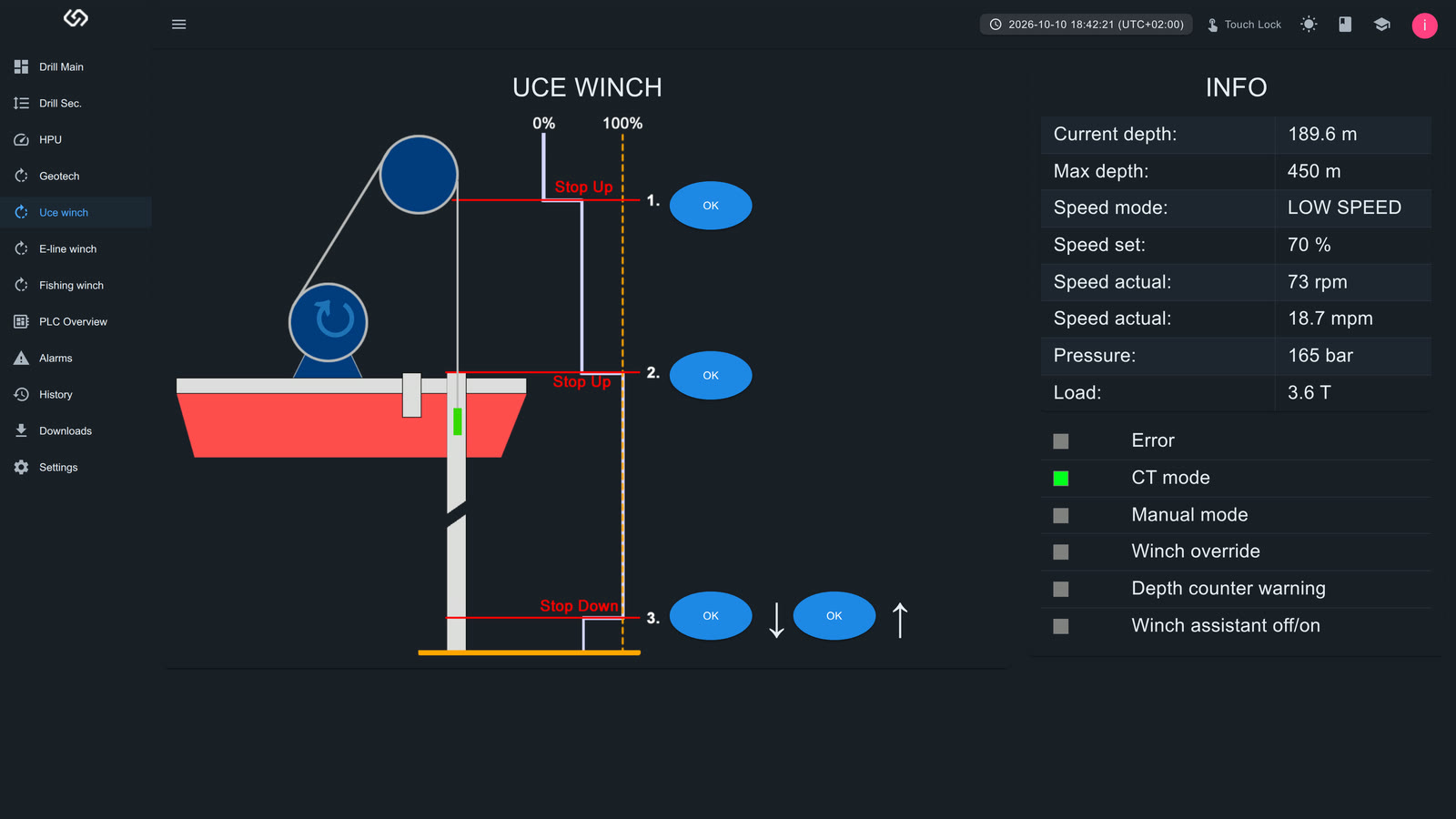
Next to the dashboards we build custom pages: test benches with automatic tests and PDF reports, winch graphics and process overviews.
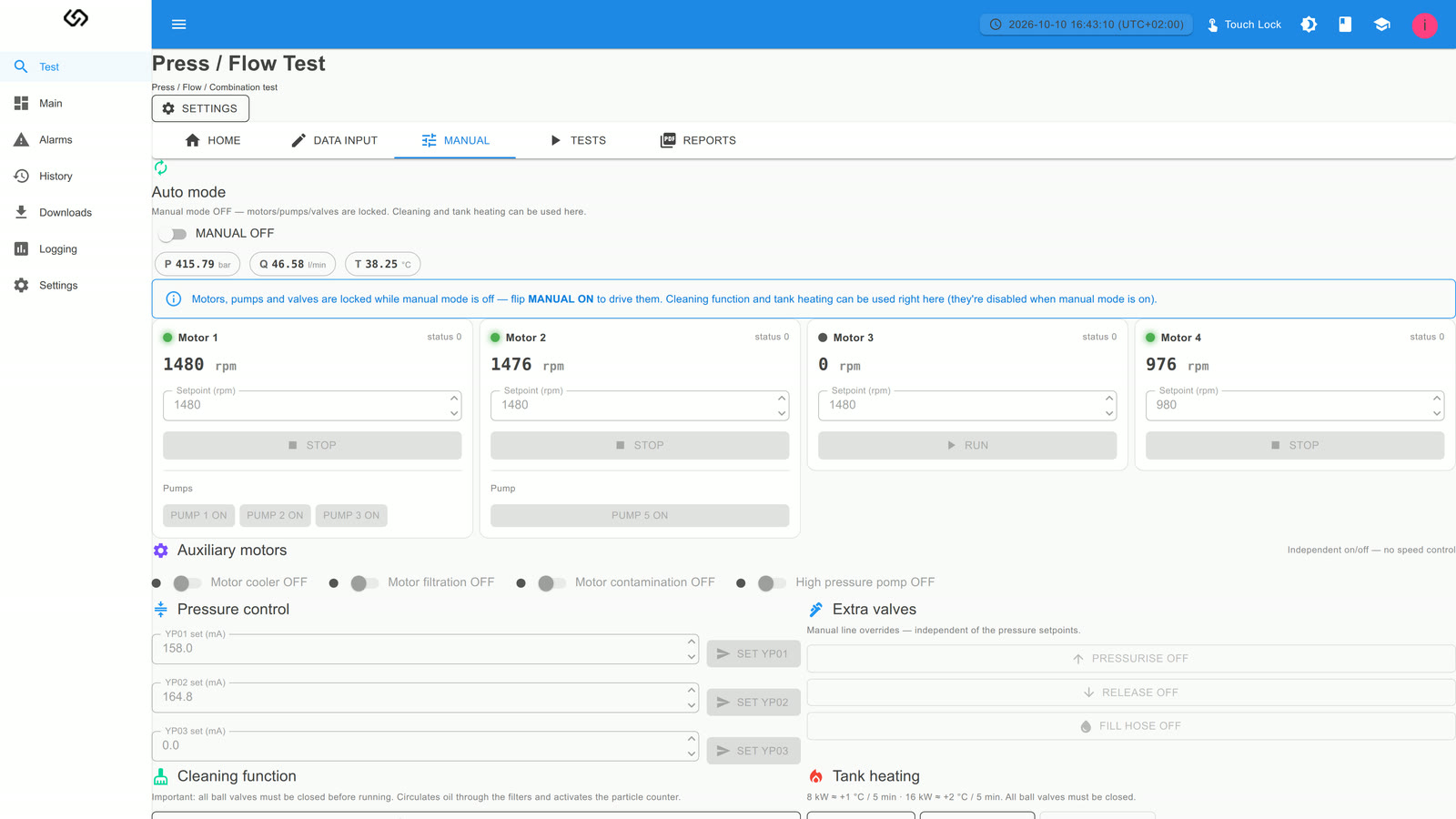
Pages from real installations, running on simulated values. Click to enlarge.
Click through a running Webvisu yourself: dashboards, alarms, settings and the builder. The demo is for customers — sign in with the login you received from CoDiCOM.